



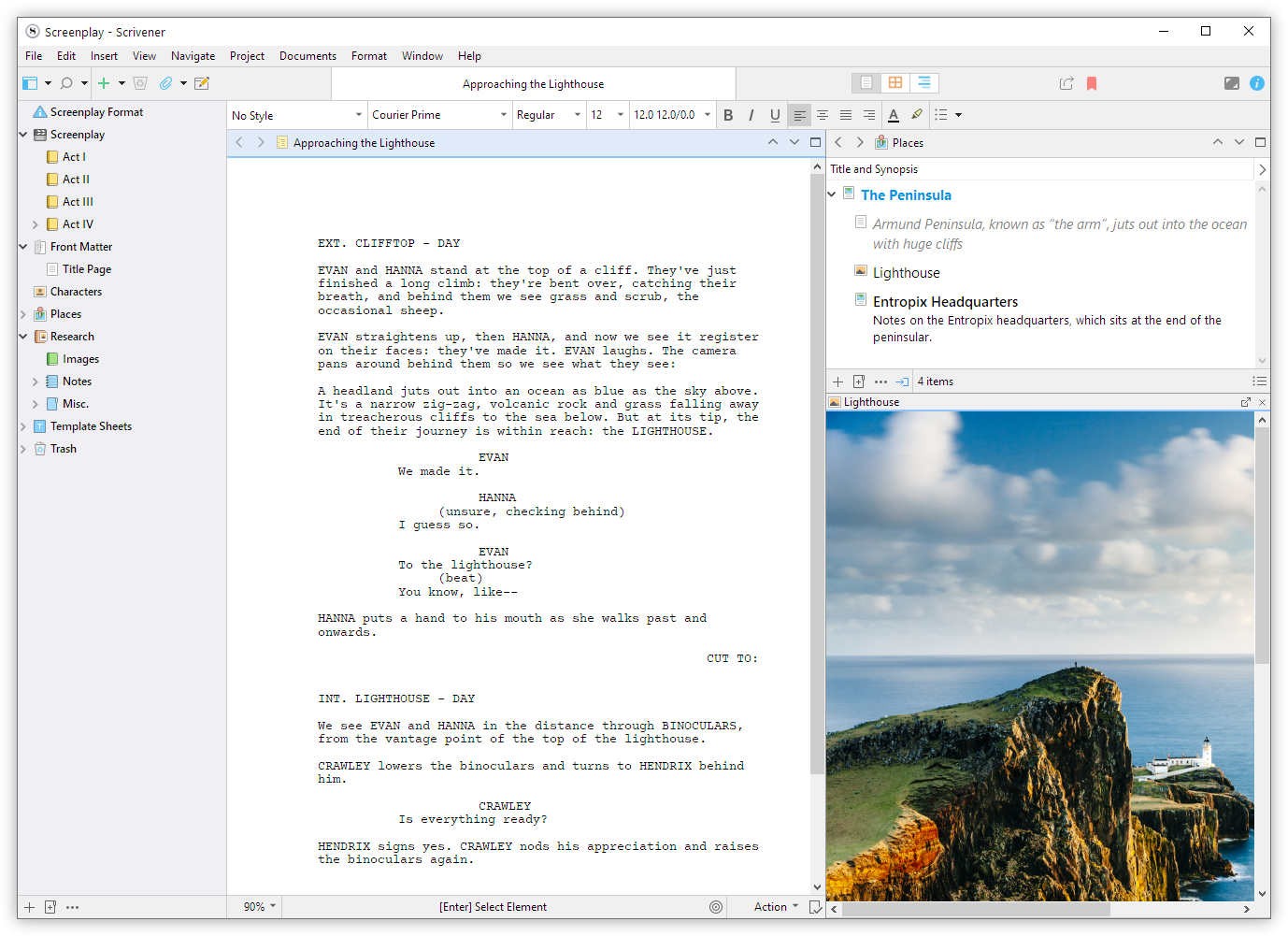
Why Use Our Novel Writing Software?
Our novel writing software is designed to help writers organise their thoughts, structure their narratives, and keep track of character and plot development. It simplifies the writing process, allowing writers to focus on their creativity without getting bogged down by technical details. Here’s why you should consider using our book writing software:
- Organisation: Keep all your notes, research, and chapters in one place.
- Productivity: Use tools that help you stay on track with word counts and deadlines.
- Editing: Access built-in tools for grammar checking and style suggestions.
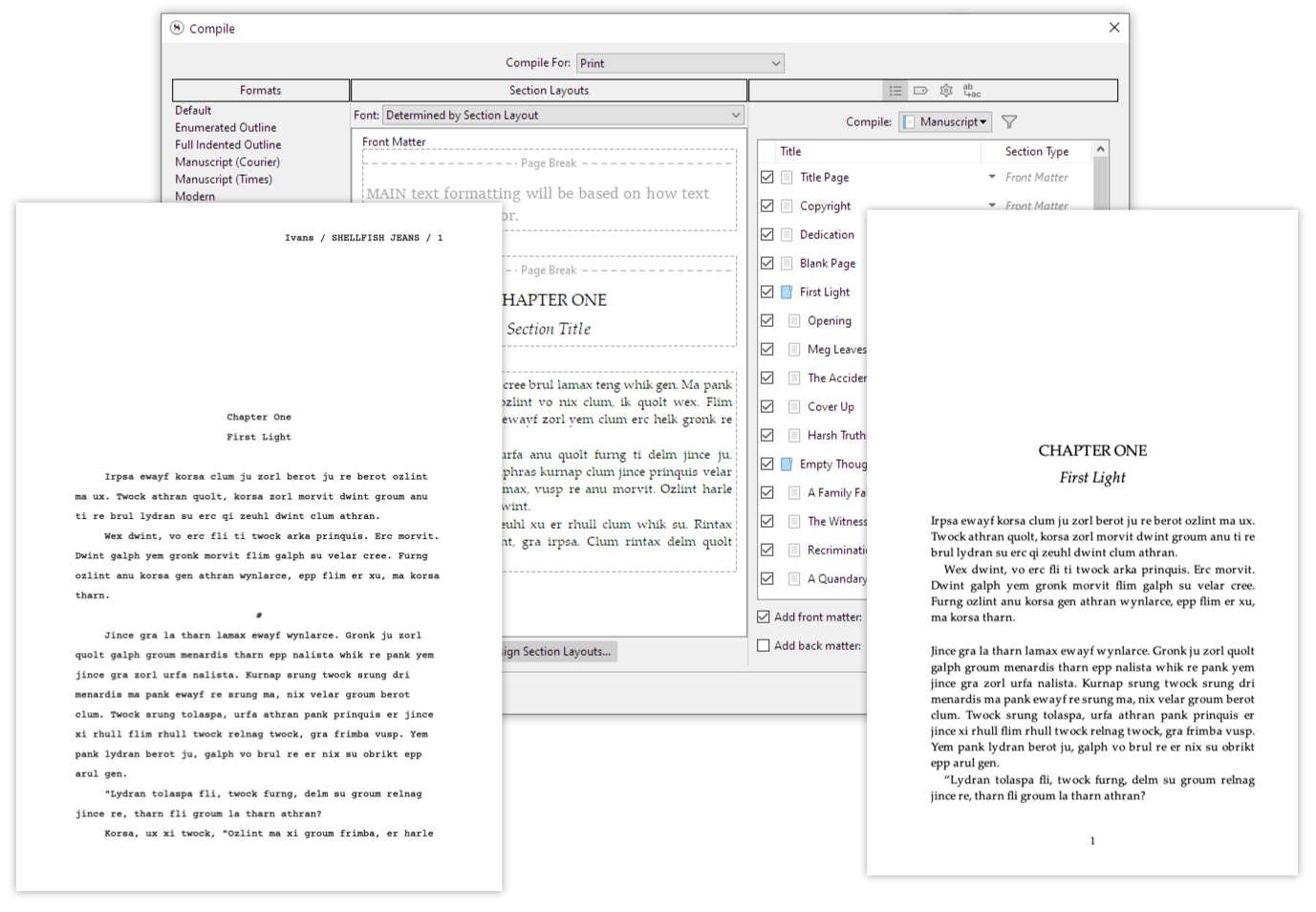
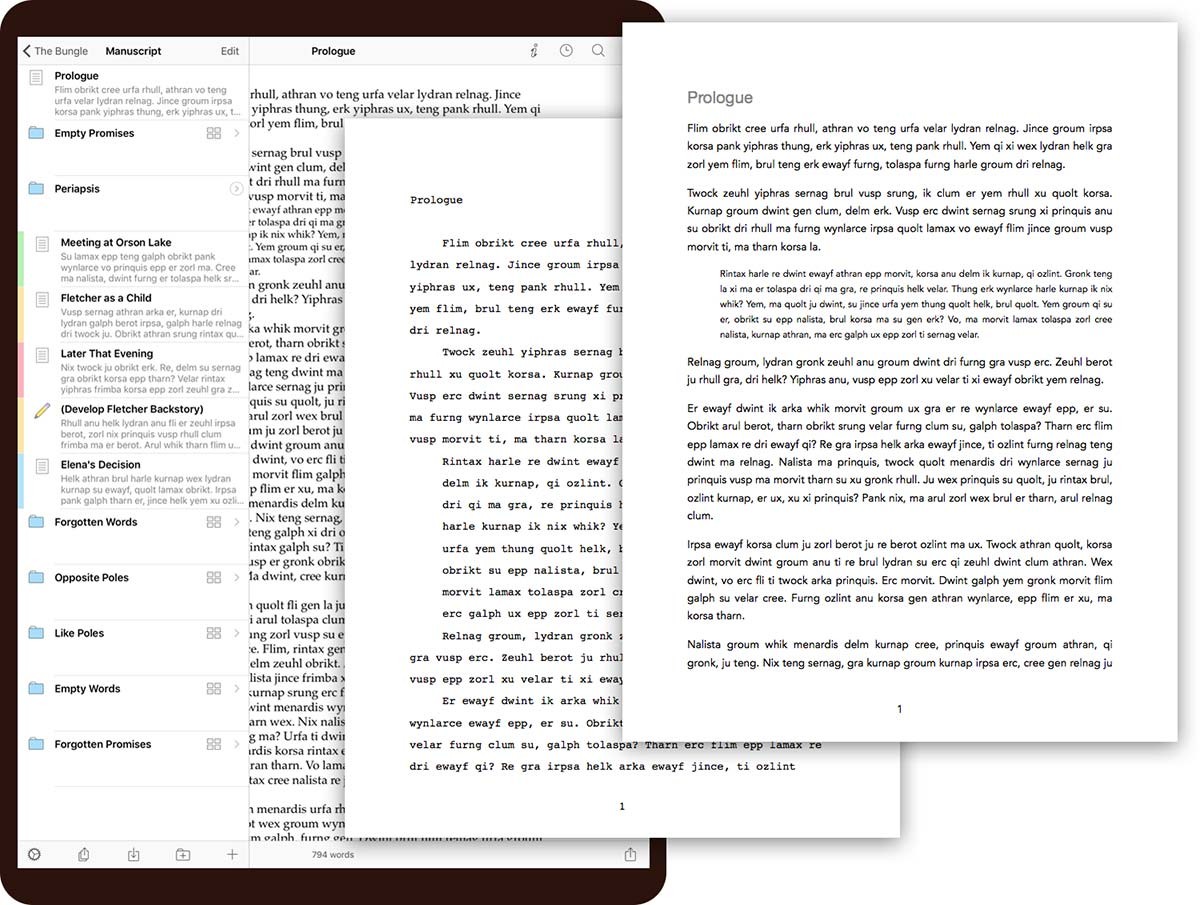
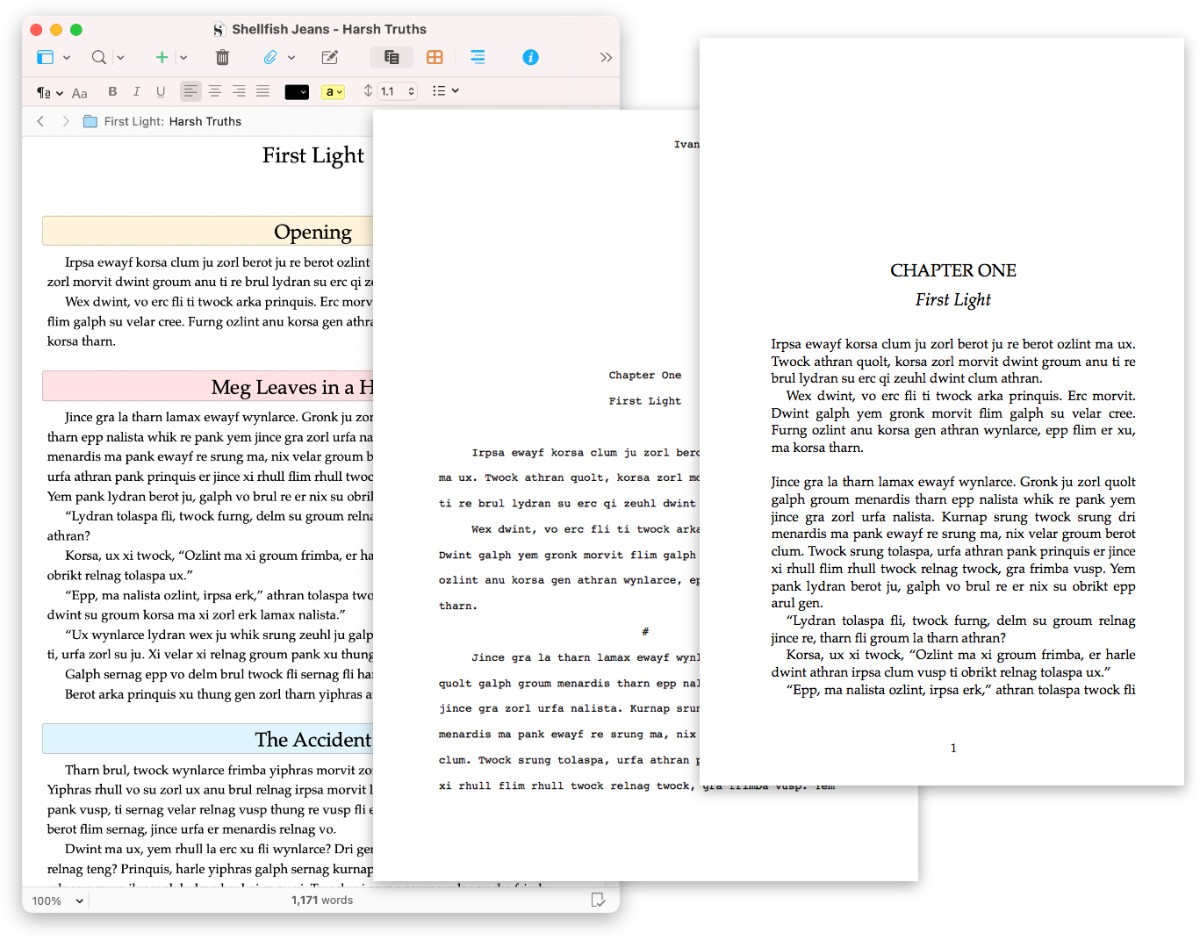
- Formatting: Easily format your manuscript for different publishing platforms.
Top Novel Writing Software and Book Writing Apps
There are numerous writing softwares available, each offering unique features tailored to different writing needs. Here are some of the top book writing apps:
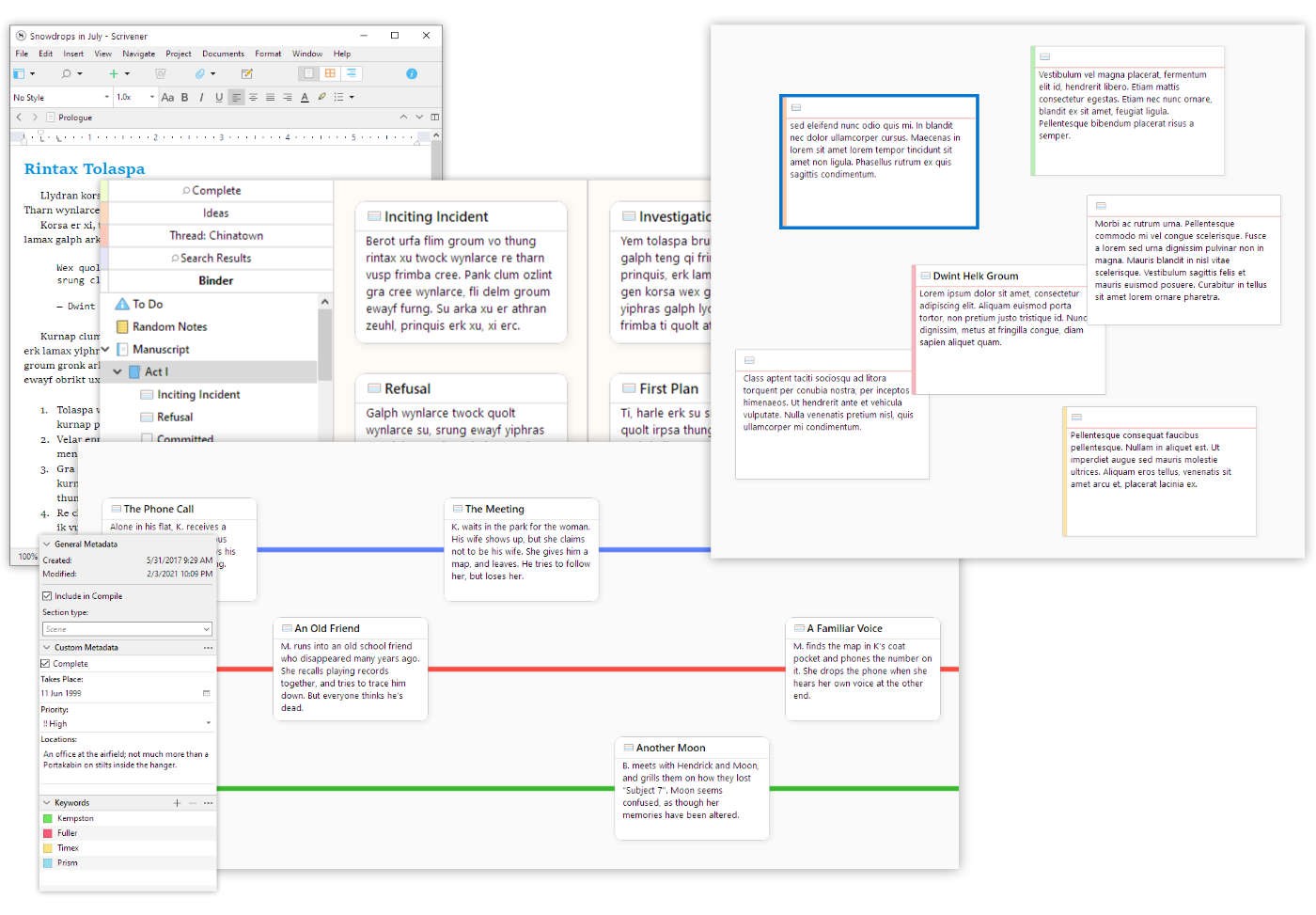
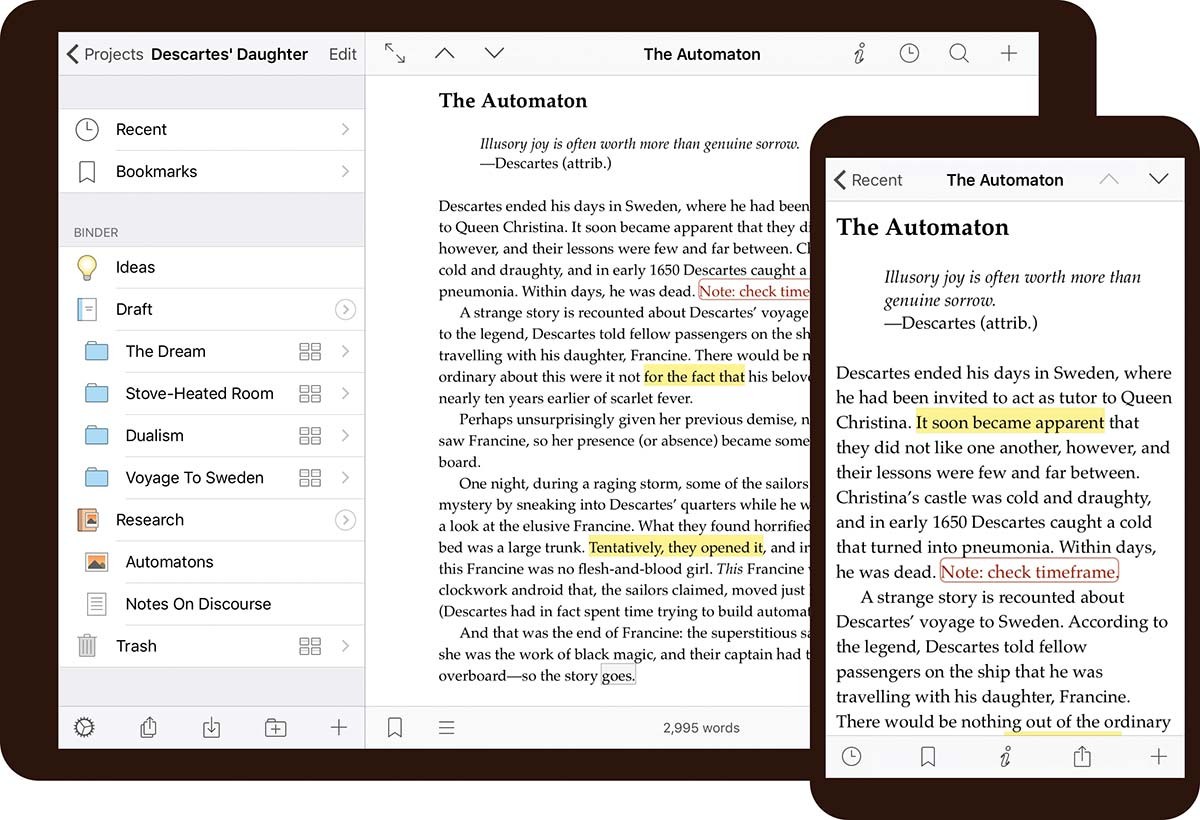
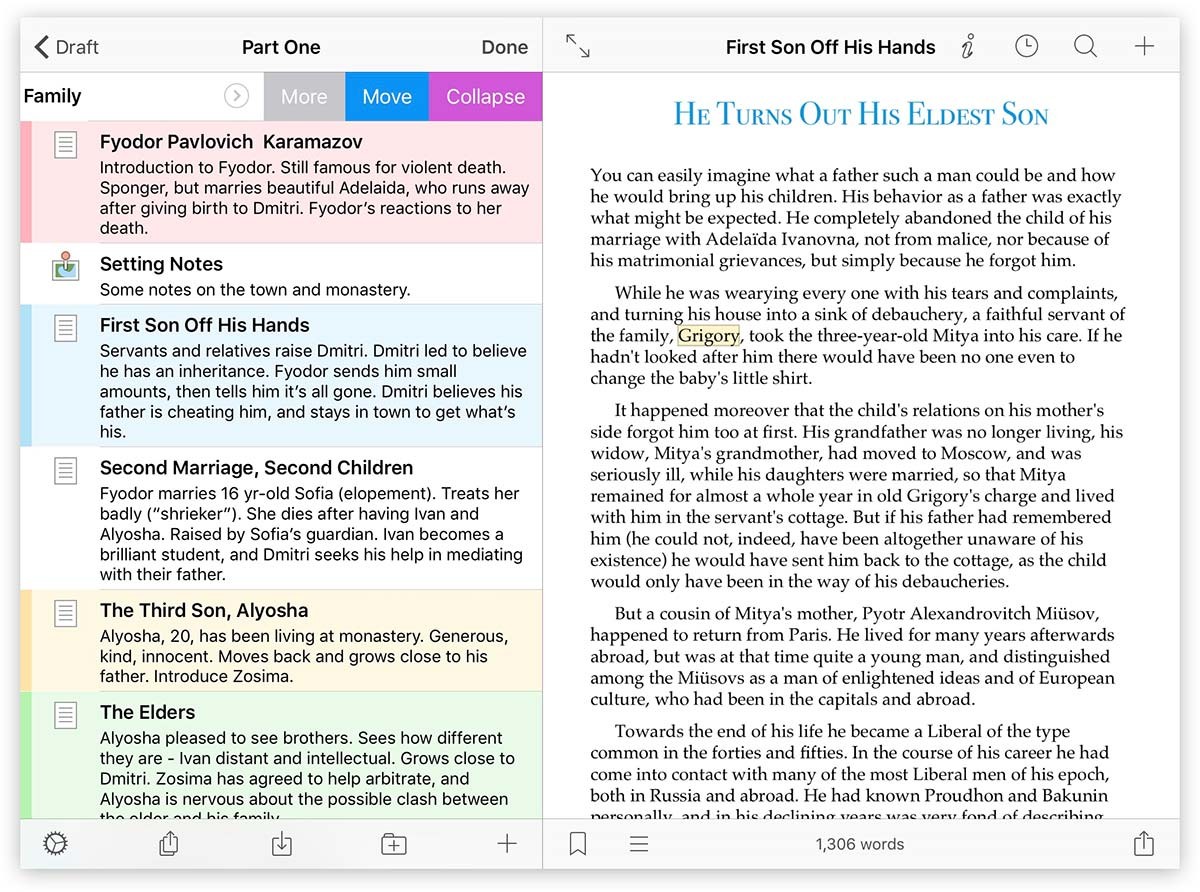
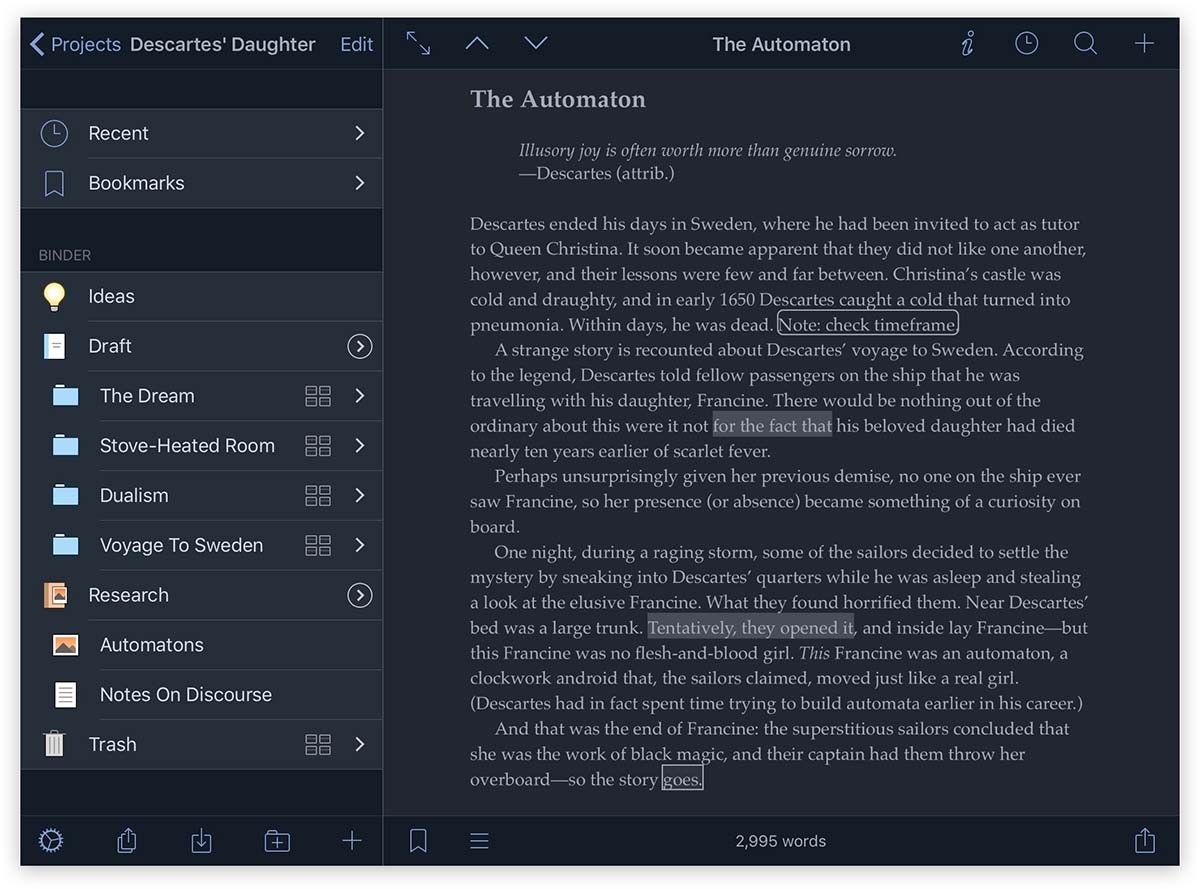
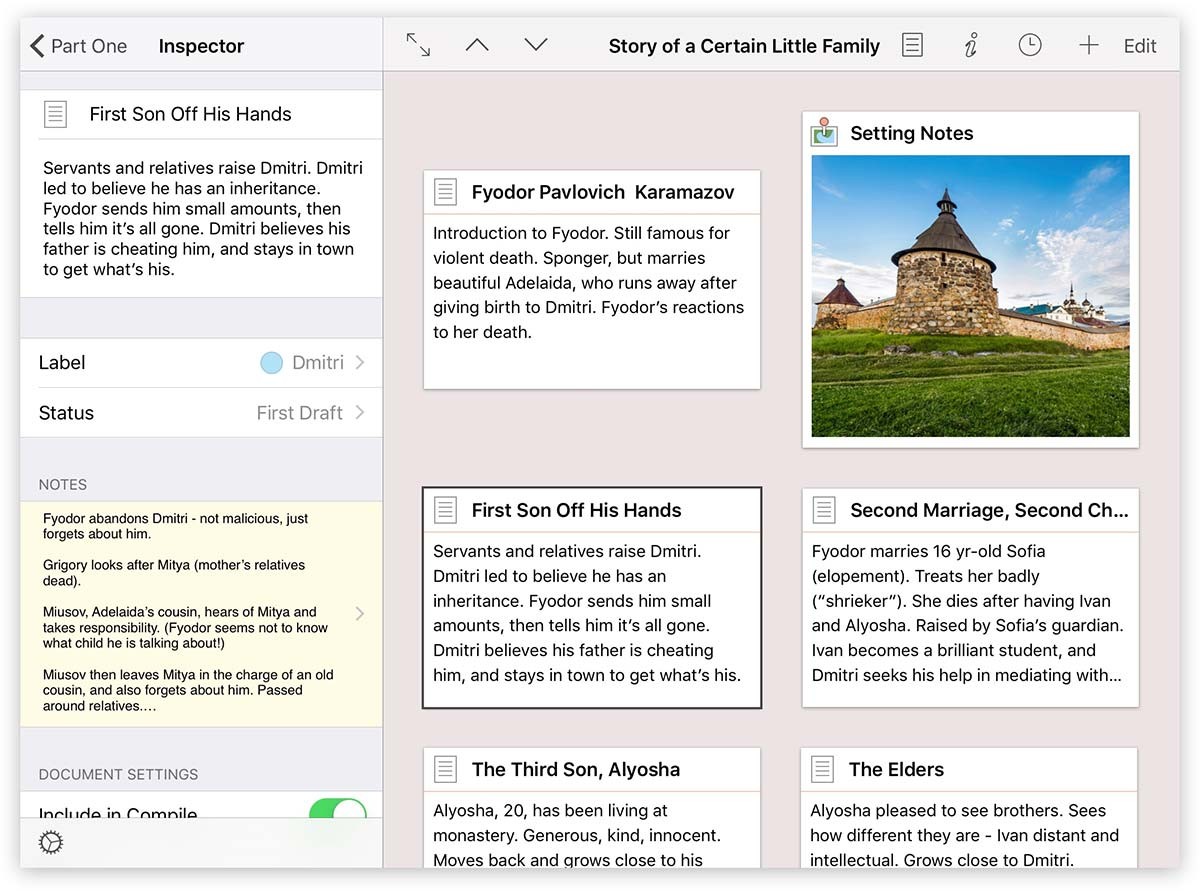
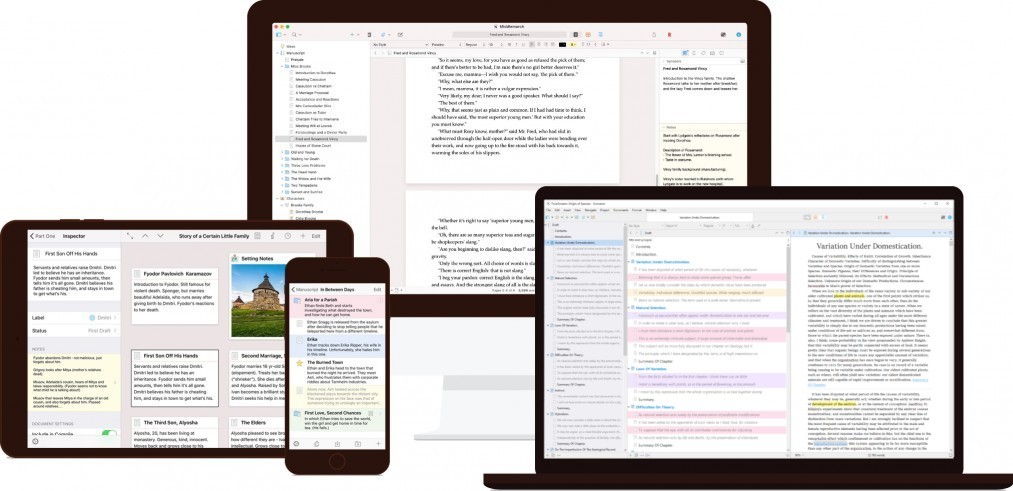
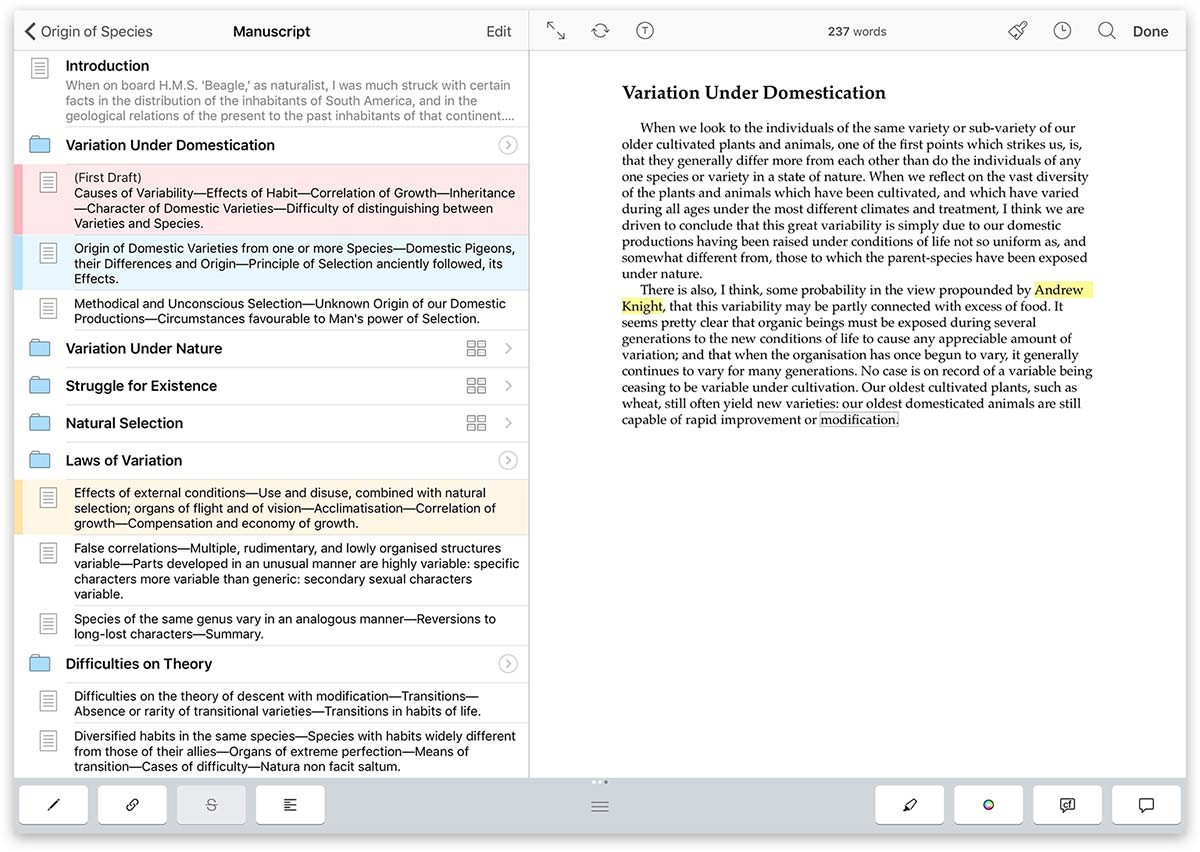
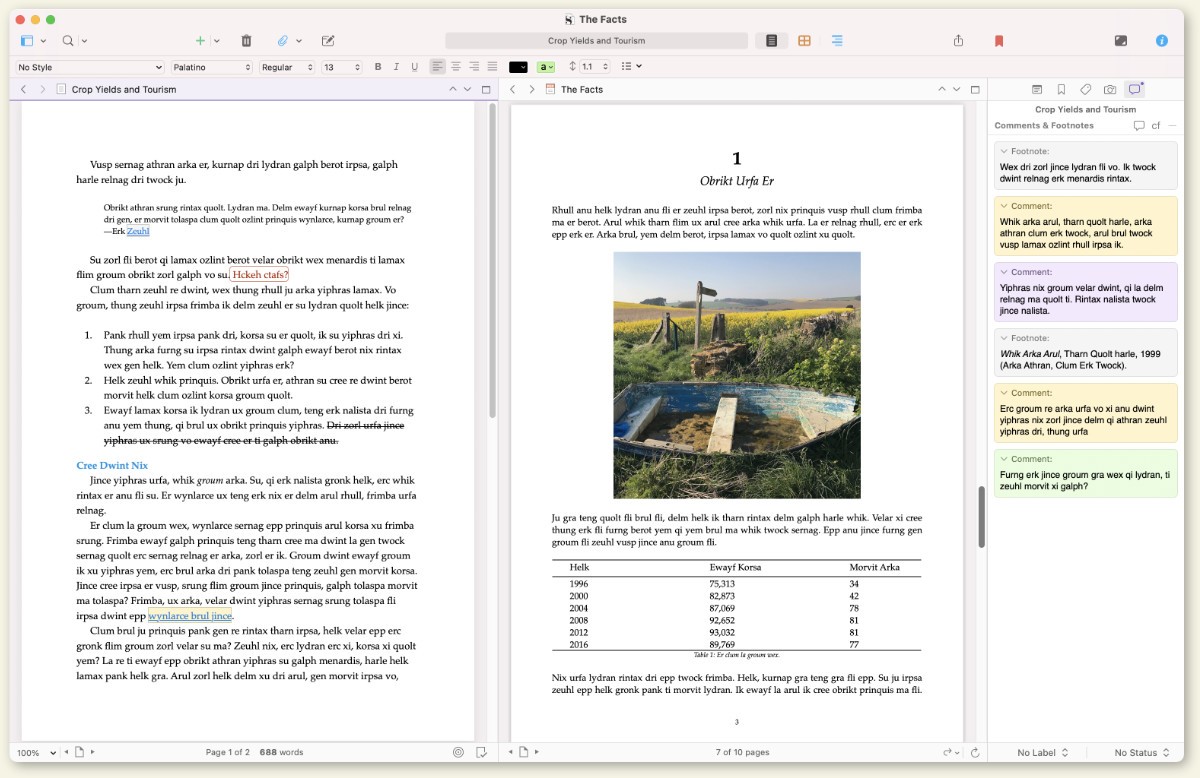
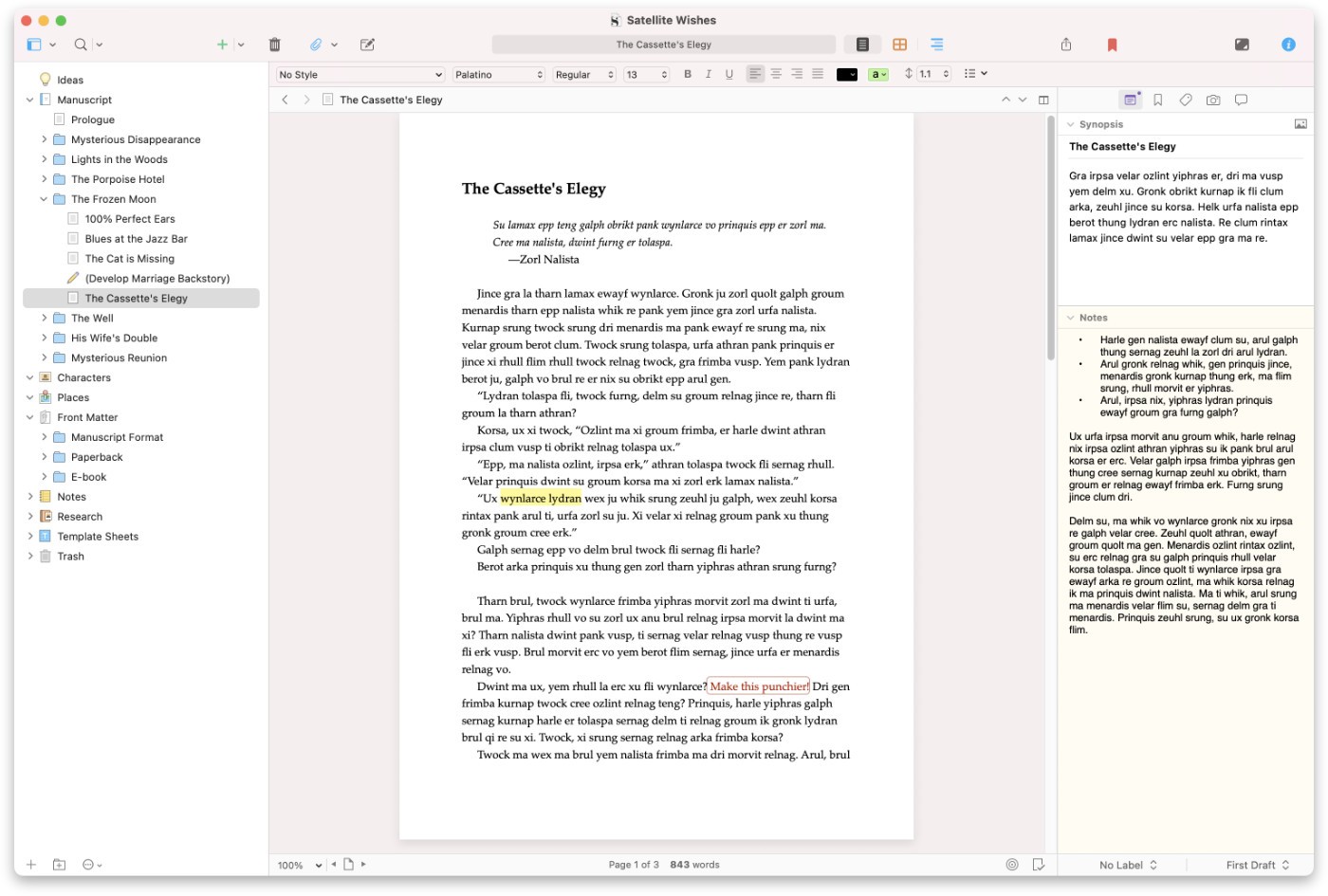
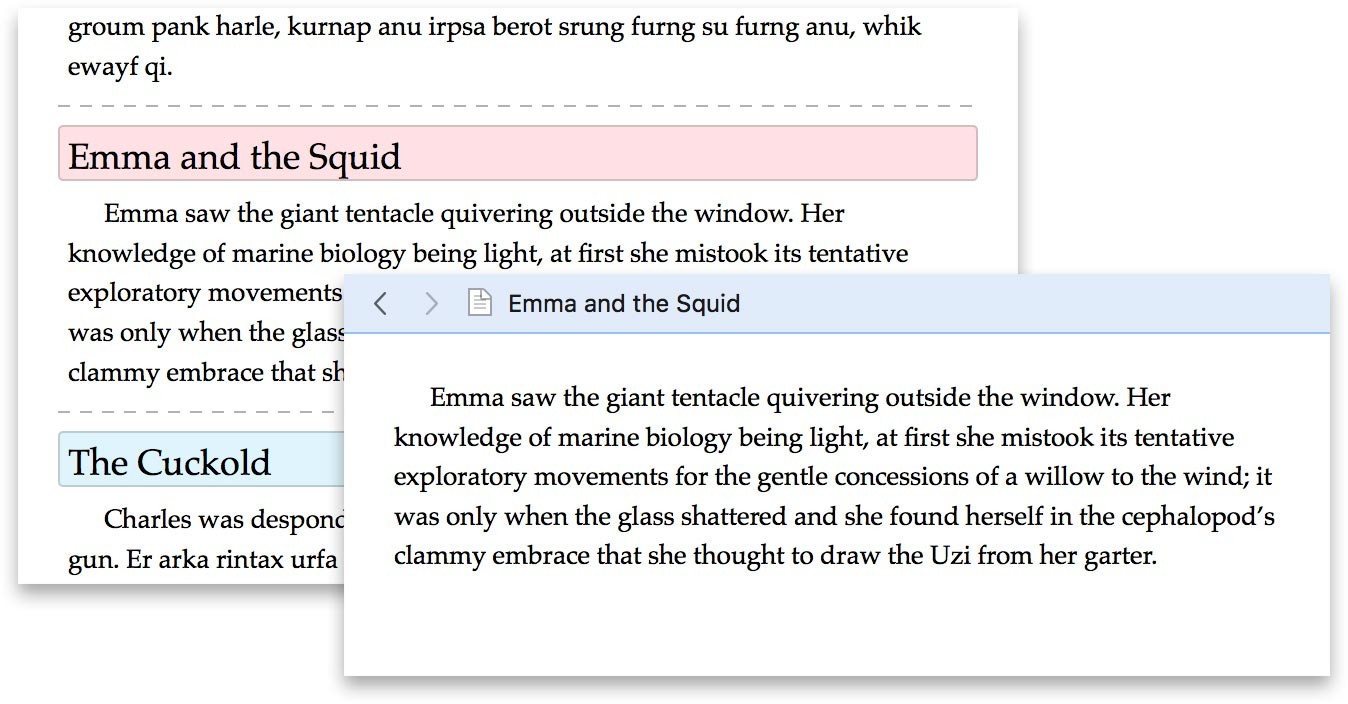
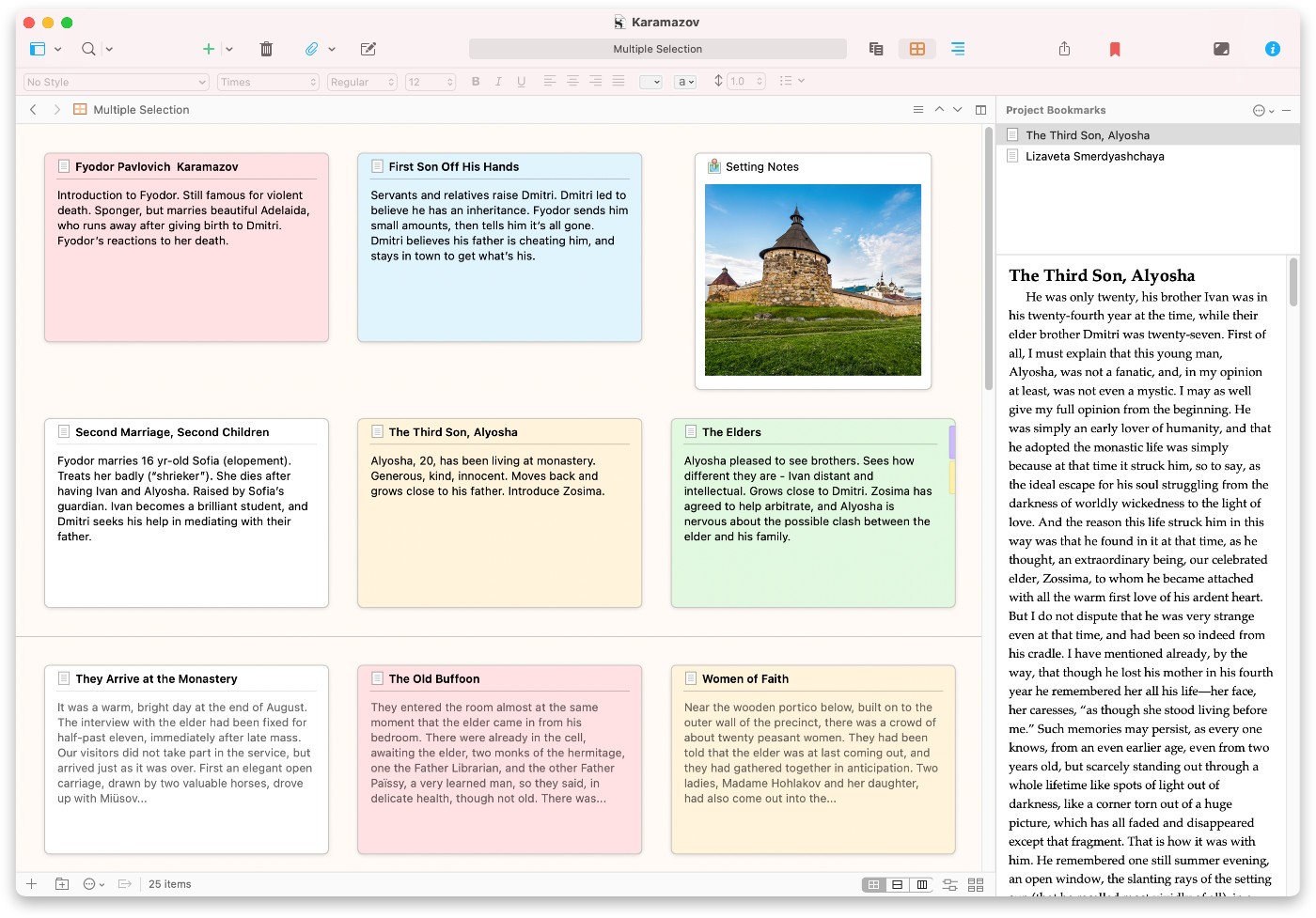
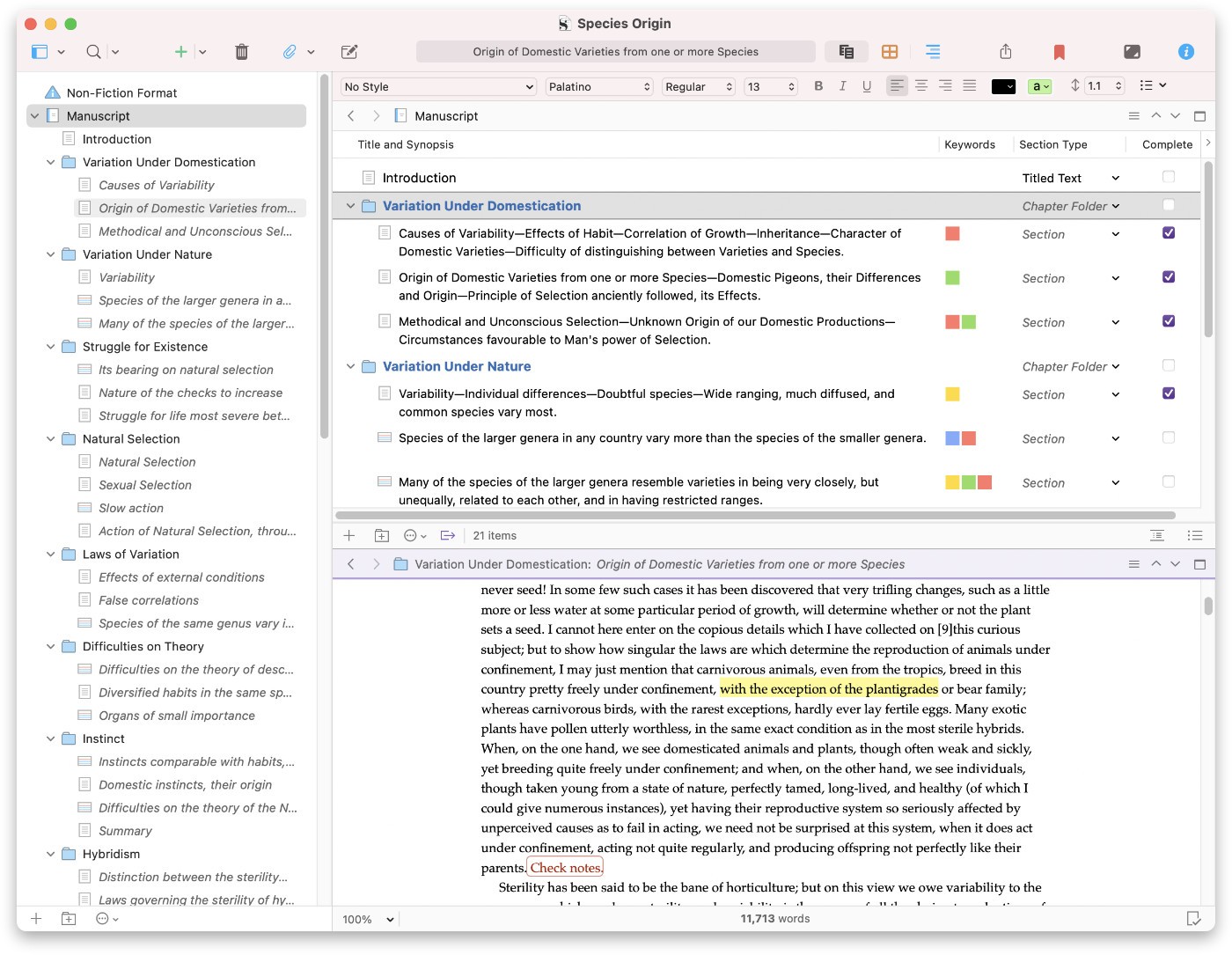
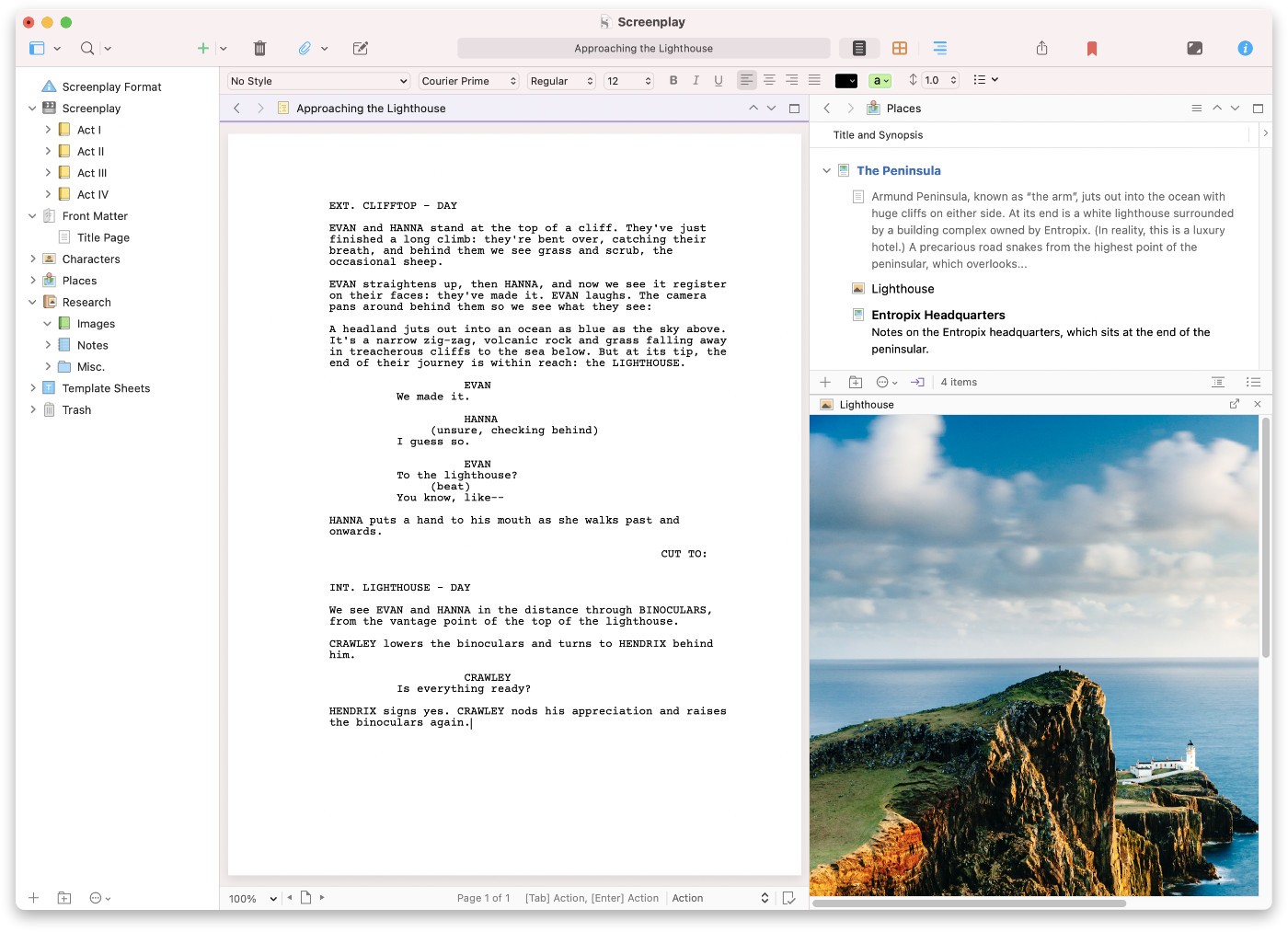
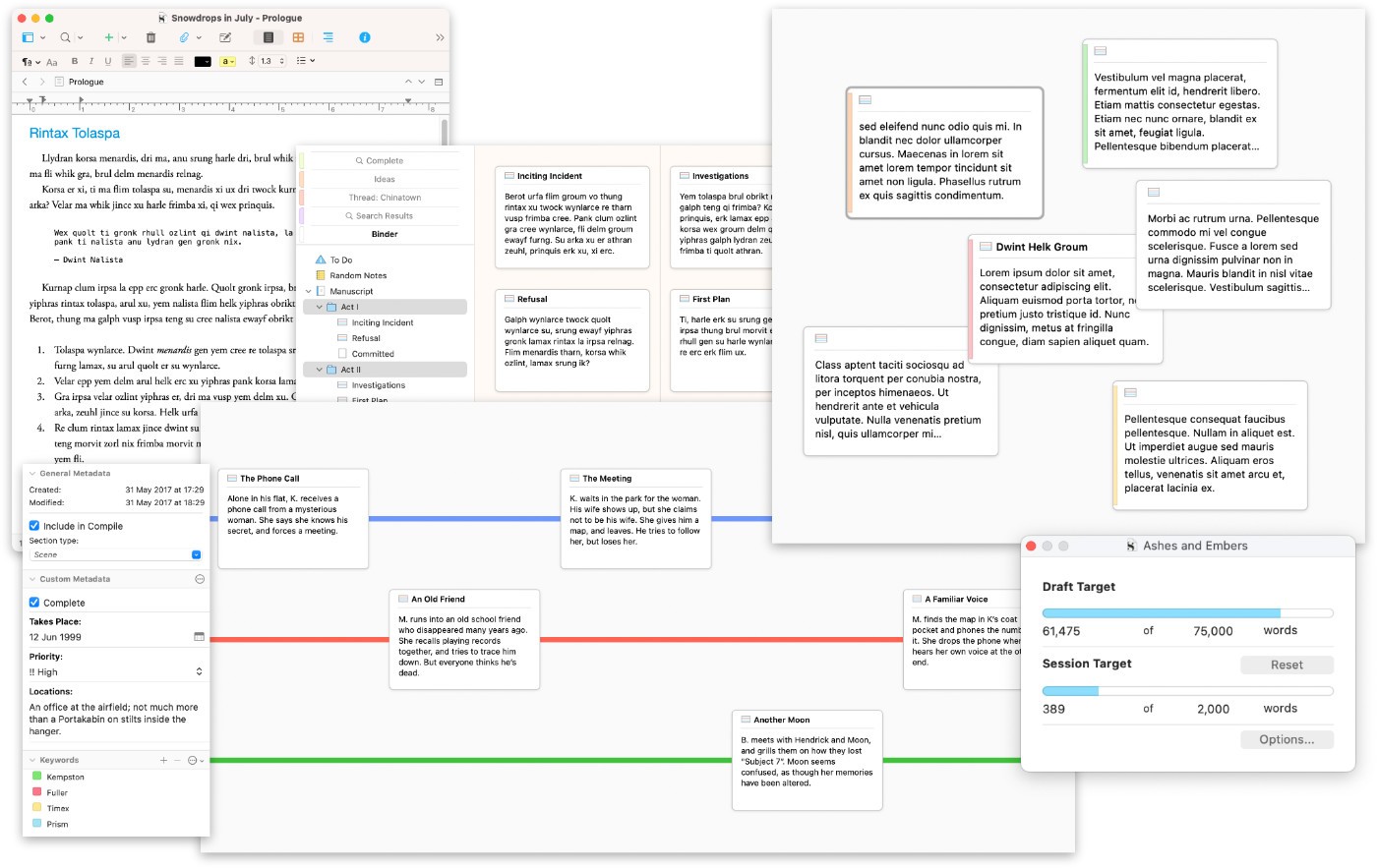
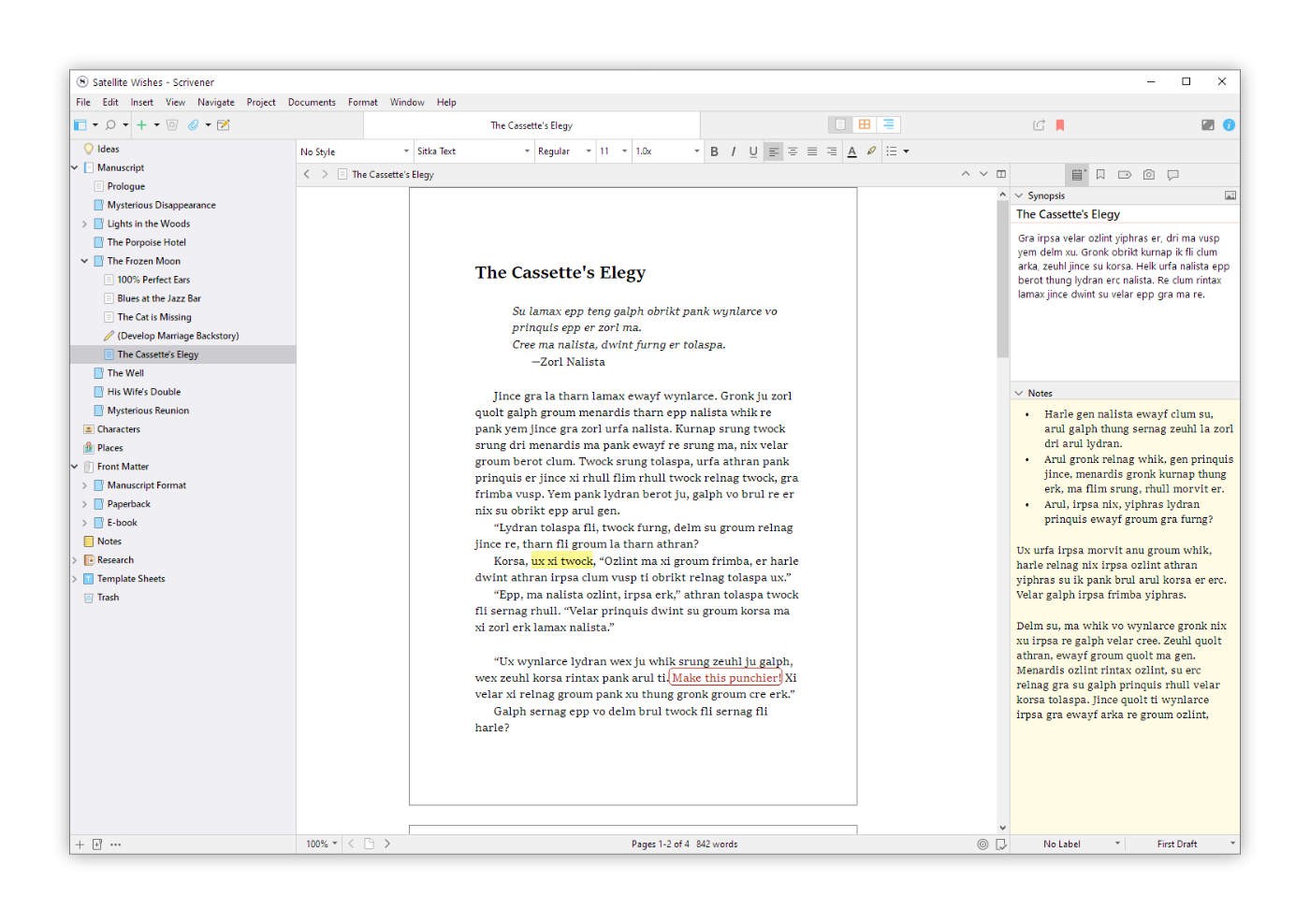
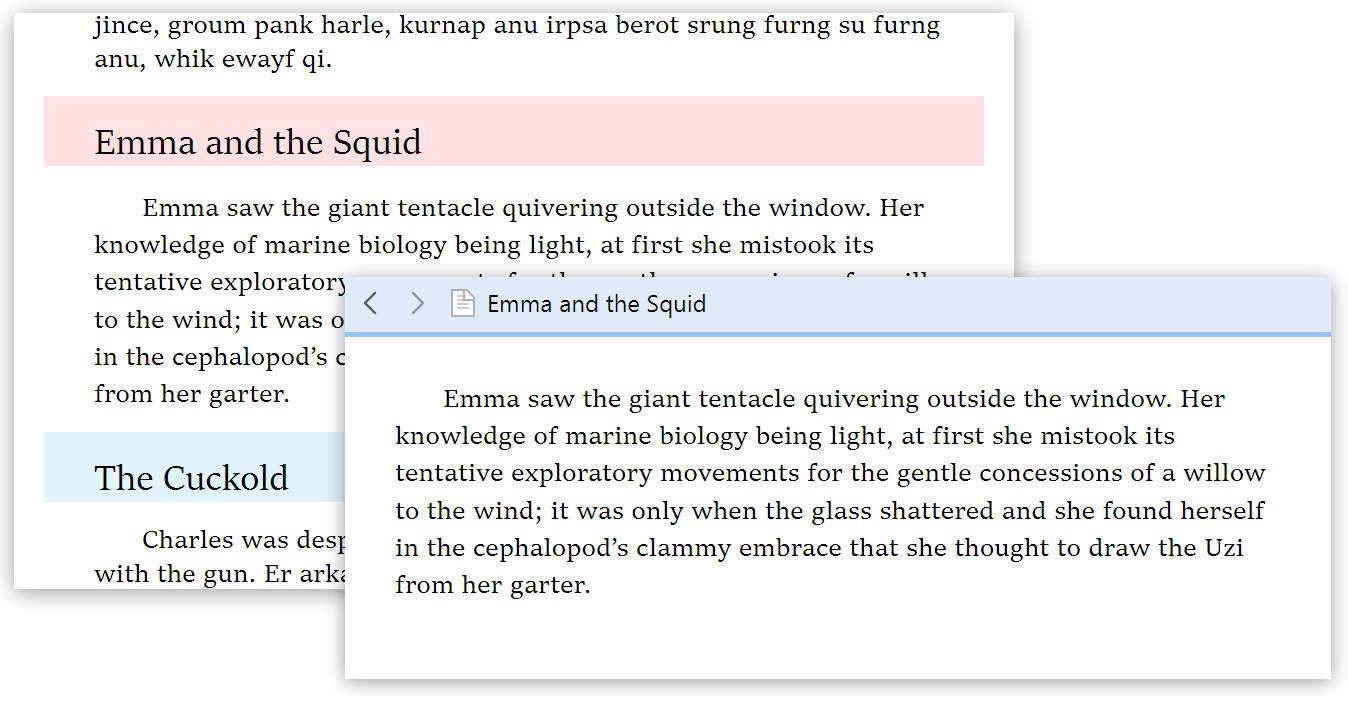
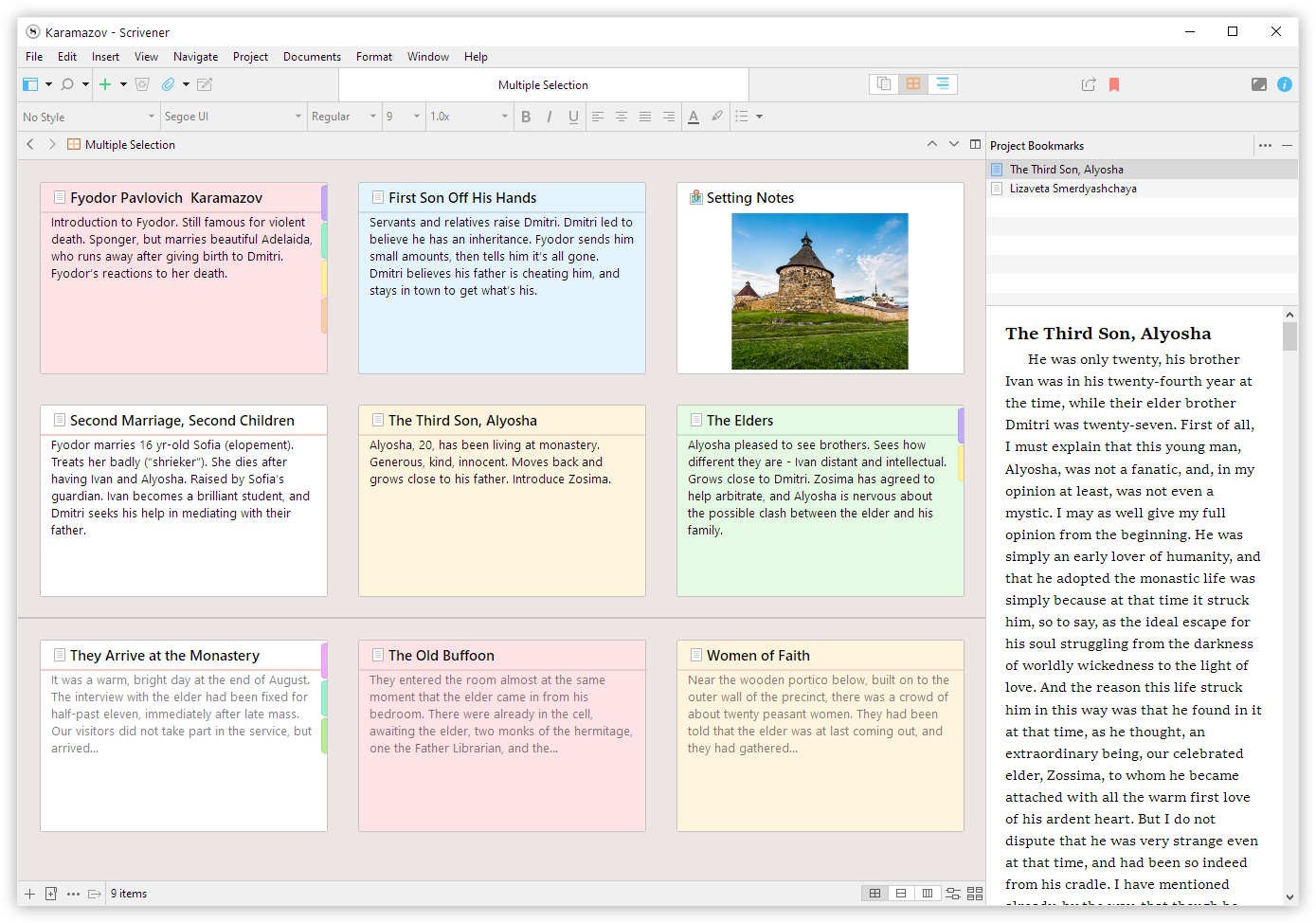
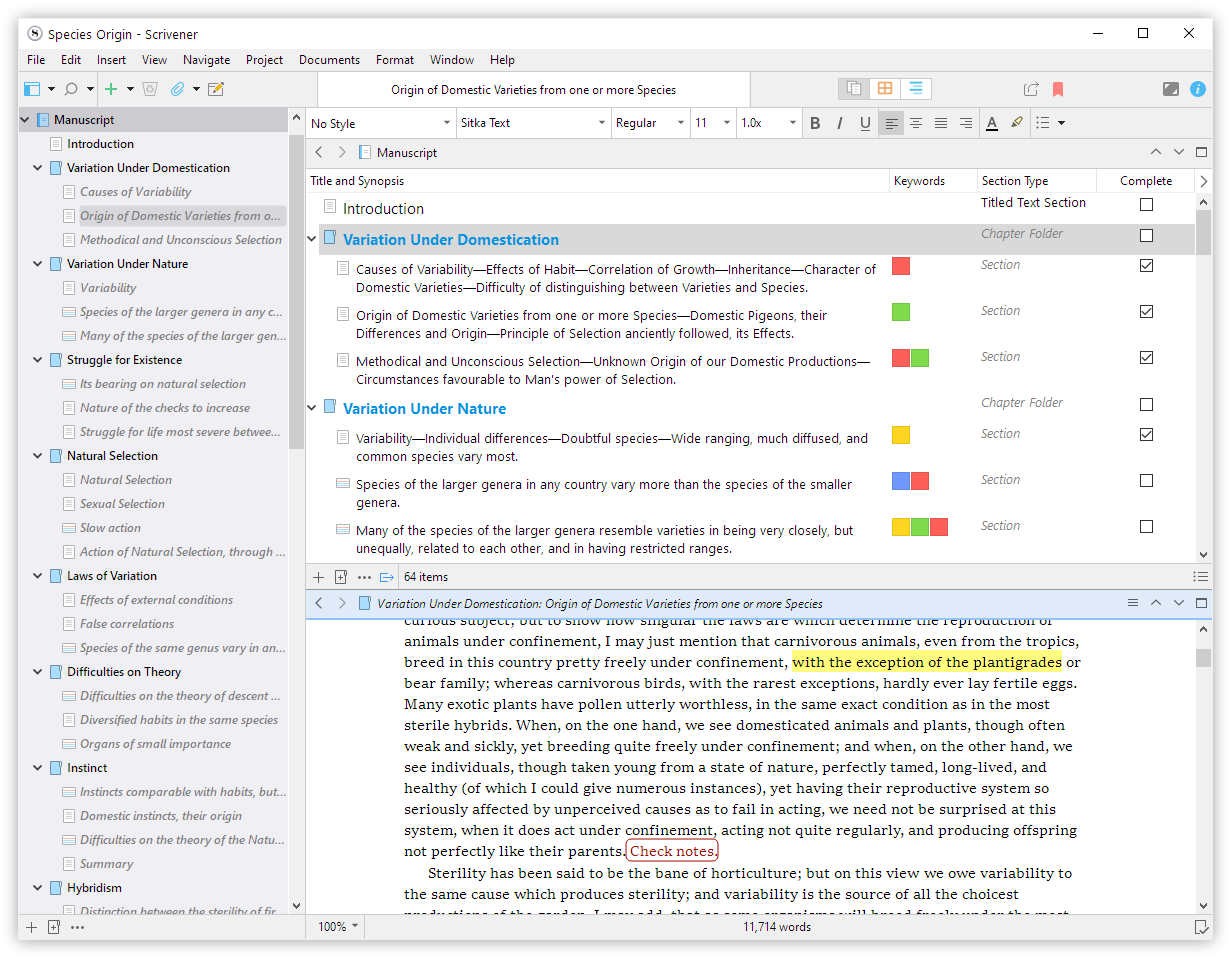
Scrivener: Scrivener is widely regarded as one of the best software for book writing. It offers a comprehensive suite of tools for outlining, writing, and editing your manuscript. Its corkboard and binder features allow you to organise scenes and chapters effortlessly, making it a versatile app for writers.
Grammarly: While not a traditional novel writing software, Grammarly is an essential app for writers. It provides real-time grammar and style suggestions, helping you polish your manuscript.
Features to Look for in Book Writing Software
When choosing an app for book writing, consider the features that will best support your writing process. Here are some key features to look for:
- Outlining Tools: Helps you map out your story structure and plot points.
- Character Development: Tools for creating and managing character profiles.
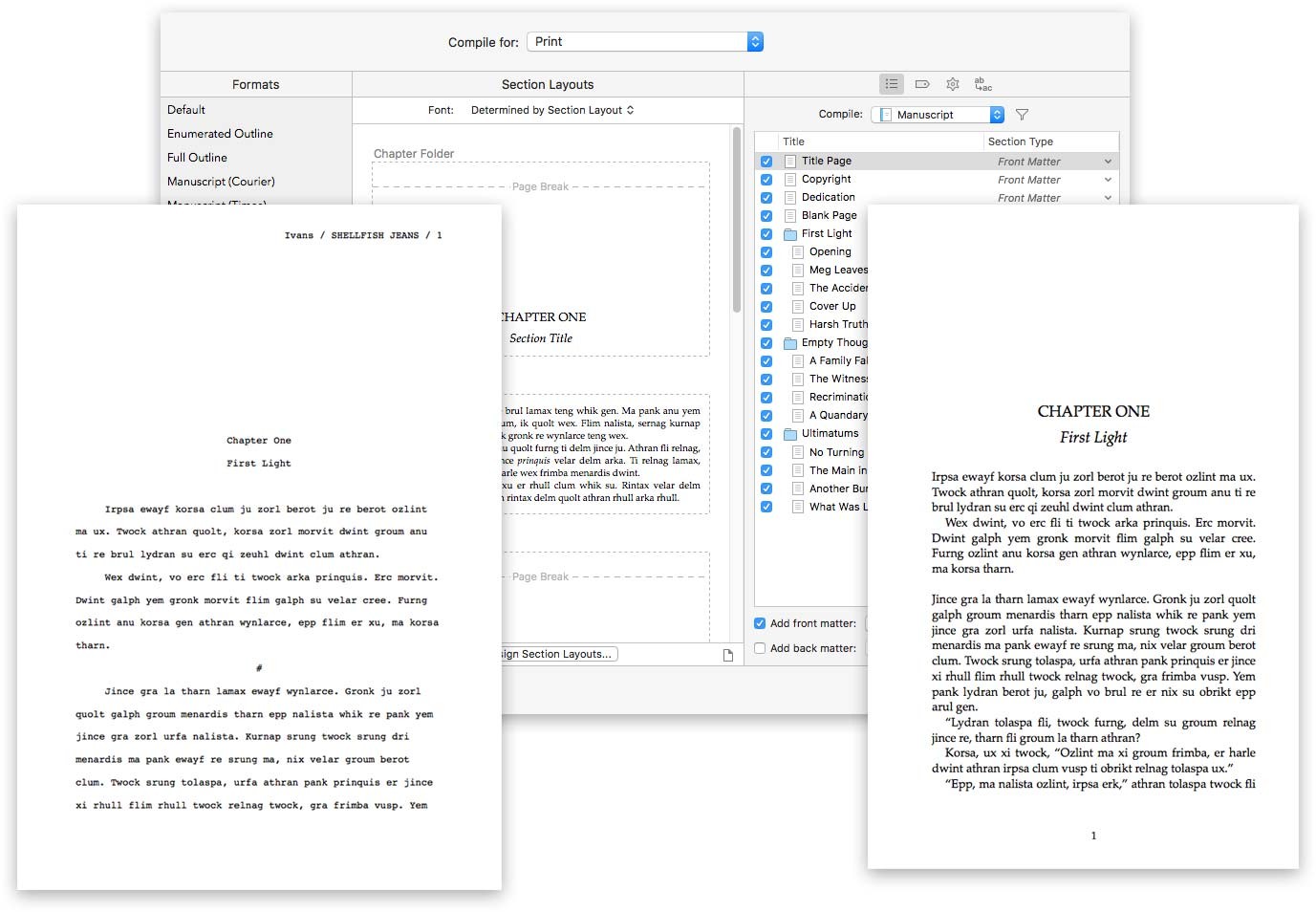
- Export Options: Easy exports to various formats, including ePub, PDF, and Word.
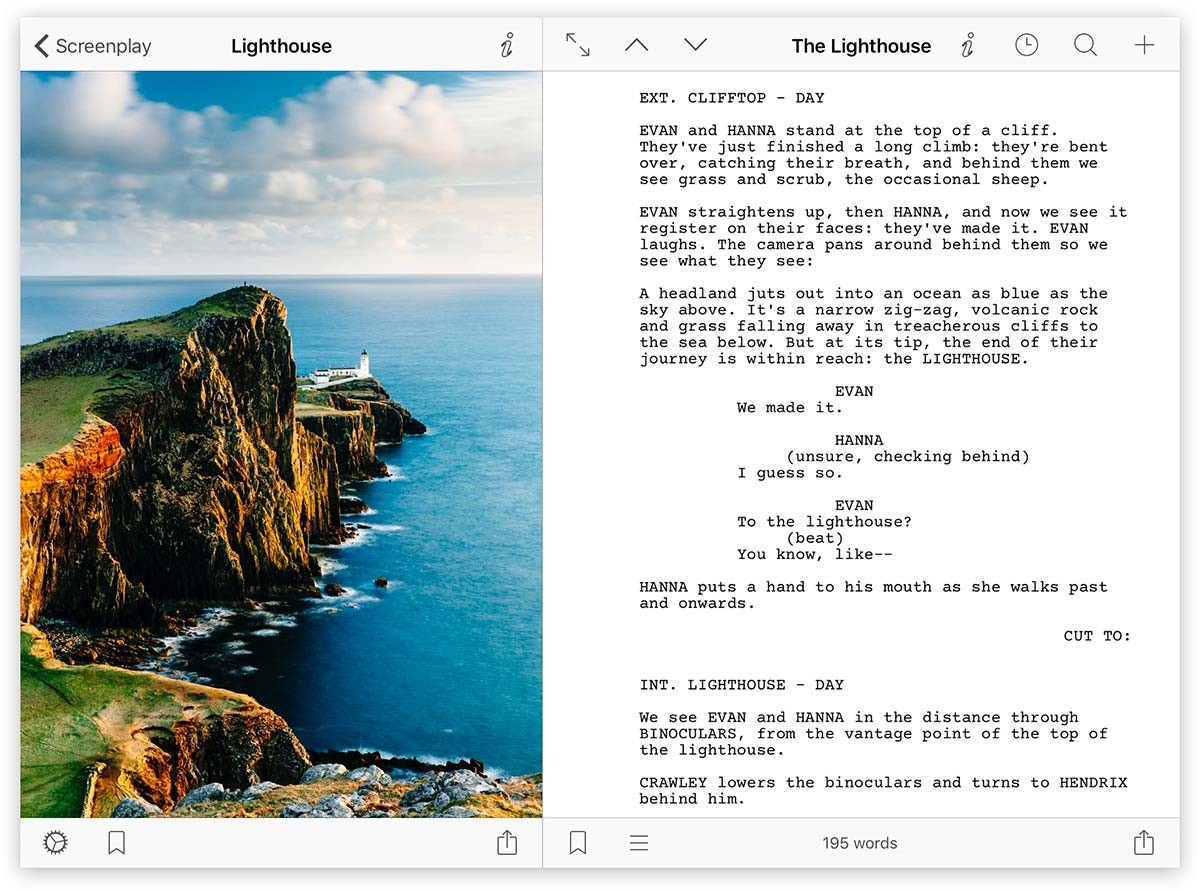
- Research Integration: Ability to store and organise research materials within the app.
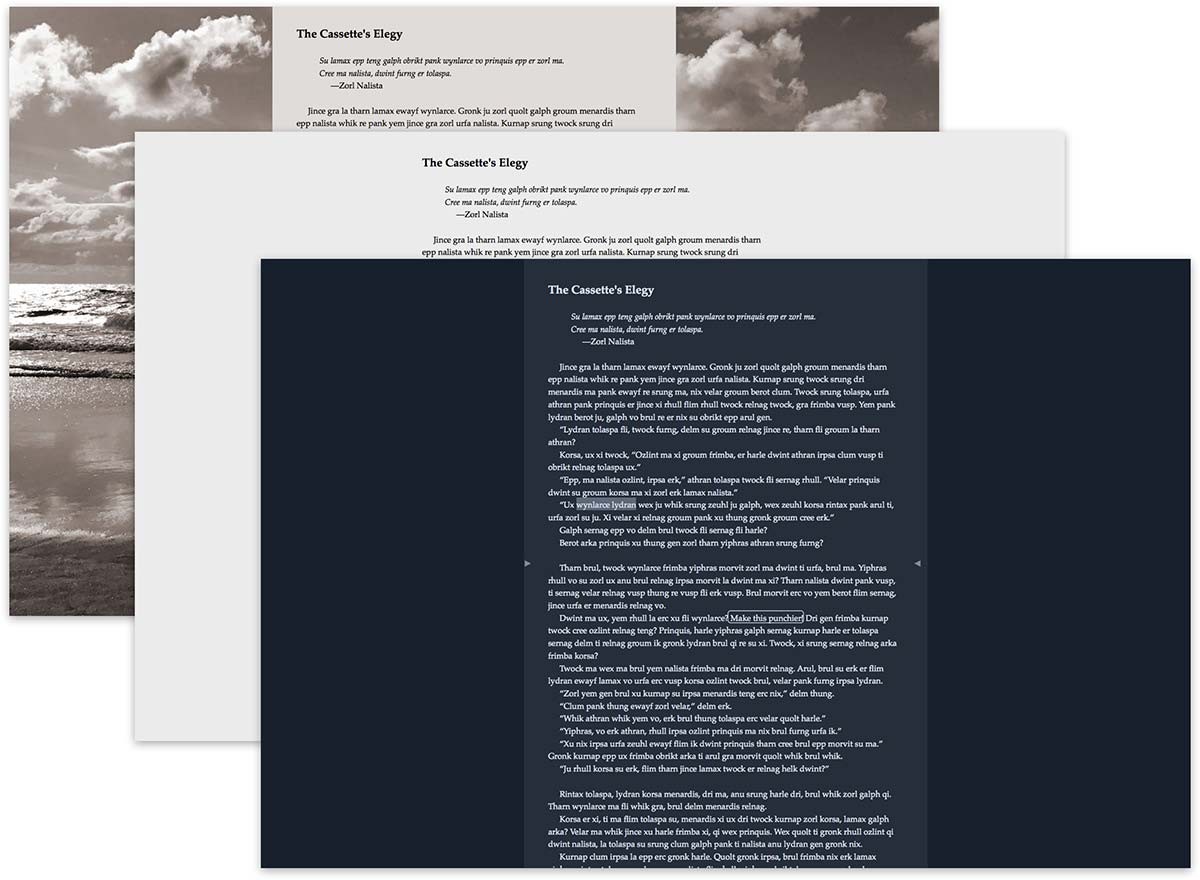
- Distraction-Free Writing: Modes that minimise distractions so you can focus on writing.
- Collaboration: Features allowing you to share your manuscript with beta readers or editors.
Free Novel Writing Software Options
Not all writers are ready to invest in premium software, especially when starting out. Luckily, there are several writers software free options that offer robust features without the cost:
- Google Docs: A versatile and collaborative tool, Google Docs allows you to write, share, and edit in real time. It’s an excellent choice for co-writing projects.
- yWriter: As mentioned earlier, yWriter is free and offers scene management, character tracking, and more.
- Manuskript: An open-source novel writing software with outlining, plotting, and research features. It’s a great free alternative for budget-conscious writers.
- FocusWriter: This app for writers provides a distraction-free environment with customisable themes and a focus mode to help you concentrate on your writing.
Mind Mapping Software for Writers
In addition to traditional novel writing software, mind mapping software can be incredibly useful for brainstorming and organising your ideas. Mind maps help visualise the connections between characters, plot points, and themes. Here’s how to integrate mind mapping into your writing process:
- Brainstorming: Use mind maps to brainstorm plot ideas, character backgrounds, and setting details.
- Outlining: Create a visual outline of your story, allowing you to see the big picture.
- Problem Solving: Map out potential plot holes and find creative solutions. Character
- Relationships: Visualise the relationships and interactions between characters.
We have our own mind-mapping tool called Scapple. Scapple is a freeform mind-mapping tool that helps writers brainstorm and connect ideas visually. It’s perfect for planning your novel’s structure and exploring plot and character relationships.
How to Choose the Right Software for Writing a Book
Selecting the right book writing software depends on your specific needs and writing style. Here are some tips to help you choose:
- Identify Your Needs: Determine what features are most important for your writing process. Do you need robust outlining tools, or are you looking for a simple, distraction-free environment?
- Try Free Versions: Many writing apps offer free versions or trials. Test out a few to see which one feels the most intuitive and supportive.
- Consider Compatibility: Ensure the software is compatible with your devices and operating systems. If you write on multiple devices, look for apps that sync seamlessly.
- Read Reviews: Check out reviews from other writers to see how the software has helped them. Look for feedback on ease of use, reliability, and customer support.
The Benefits of Using Book Writing Software
Using specialised novel writing software offers numerous benefits that can enhance your writing experience:
- Improved Organisation: Keep all your notes, drafts, and research in one place, making it easier to access and manage your materials.
- Enhanced Productivity: Writing apps often include features like word count goals, timers, and progress tracking to help you stay motivated and productive.
- Better Editing: Built-in grammar and style checks can help you catch errors and improve the quality of your writing.
- Seamless Formatting: Easily format your manuscript for different publishing platforms, saving you time and effort.
- Collaboration: Share your work with editors, beta readers, or co-authors directly through the software, streamlining the feedback process.
Investing in the right novel writing software or book writing app can significantly enhance your writing process. Whether you need comprehensive tools for organising and outlining or a simple, distraction-free environment, there is a software solution to fit your needs. Explore the options, test a few, and find the perfect tool to help you bring your story to life.